
Google Pixel 7 Pro Review (2026): Why I Bought a $150 Second Phone for My Photography Business
For years, I tried to make one phone handle everything.
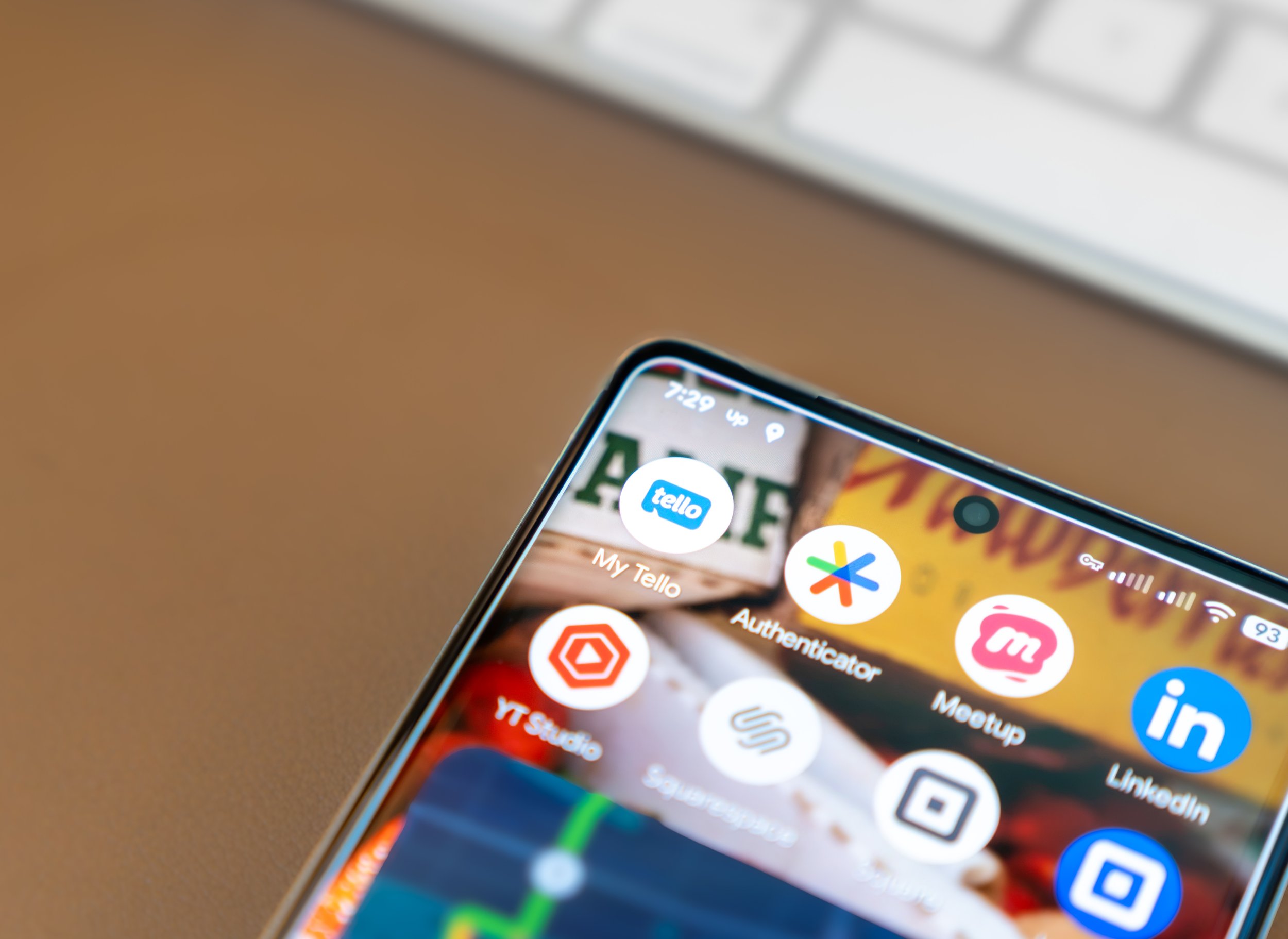
My iPhone 17 Pro carried my personal AT&T line and a second Tello business line through dual SIM. Technically, it worked. In practice, that one device became the control center for my entire life: family messages, client calls, email, Upwork, Square, Squarespace, Airbnb, calendars, social media, and every other notification involved in running a photography business.
The phone could keep up. I could not.
So when I found a Google Pixel 7 Pro on Facebook Marketplace for $150, I took a chance on turning it into a dedicated business phone. After two weeks, it already feels like one of the smartest and least expensive upgrades I have made to my workflow.
This is my Google Pixel 7 Pro review in 2026—not as someone chasing the newest Android flagship, but as a San Francisco photographer who needed a second phone, a separate business line, better call management, and a healthier boundary between work and personal life.
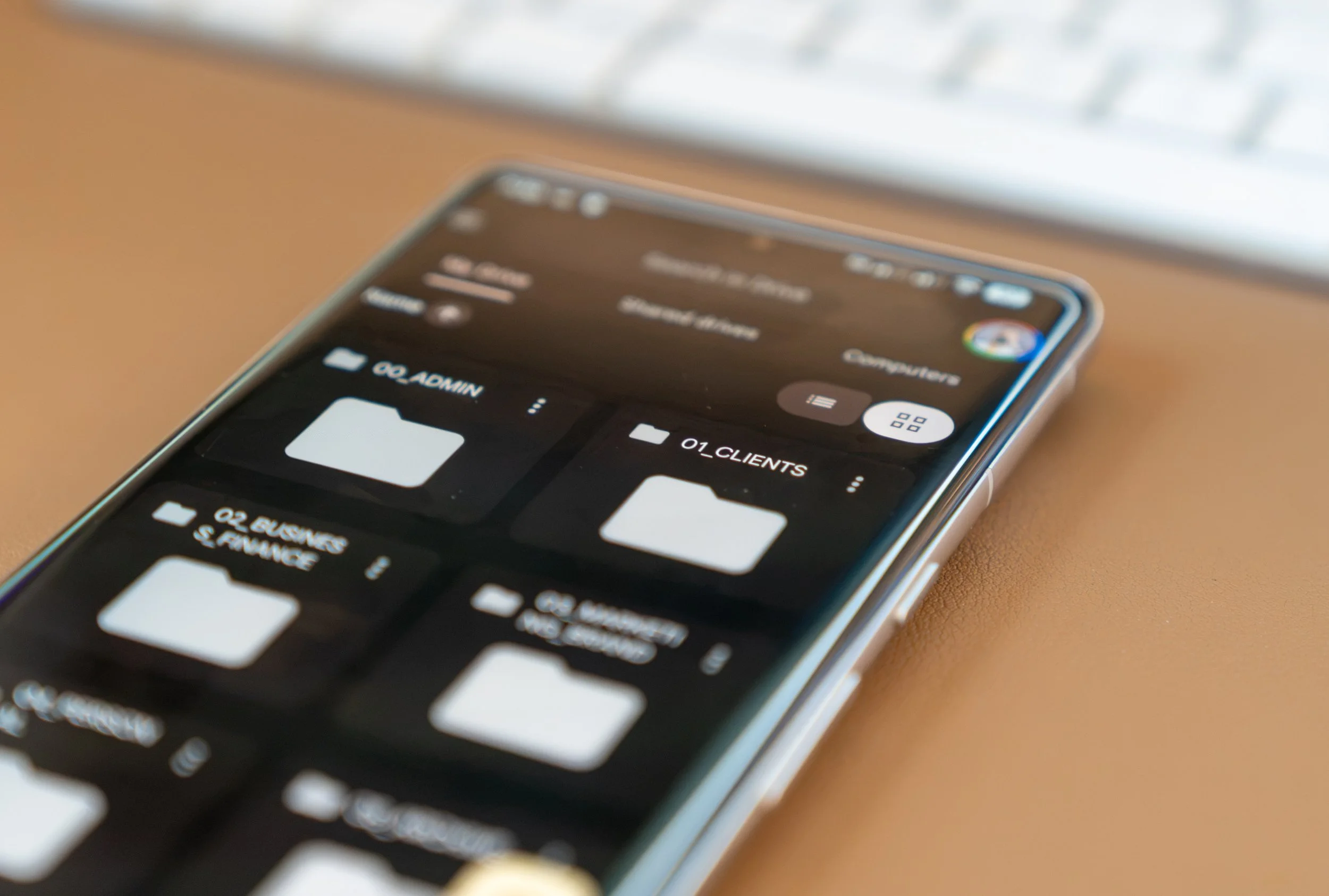
Why I wanted a separate business phone
Dual SIM is convenient because two phone numbers can live inside one device. My iPhone 17 Pro handled my main AT&T line and my Tello business number without requiring a second phone in my pocket.
But dual SIM does not create separation.
When every account is installed on one phone, every part of the business follows you everywhere. I could be walking my dog, working out, talking to family, or trying to take a real break and still hear notifications from clients, Upwork, Square, Squarespace, Airbnb, email, and text messages.
There was also a battery cost. I was asking the iPhone 17 Pro to manage two cellular lines, constant messaging, photography-business apps, navigation, uploads, editing, personal communication, and everything else I do throughout the day.
The Pixel 7 Pro gave my business its own physical home.
Why I chose a Google Pixel instead of another iPhone
I did not buy a Pixel because I wanted to abandon the Apple ecosystem. My personal iPhone is still essential to my photography workflow.
I chose a Pixel because Google’s software is clean, direct, and especially good at managing phone calls.
The Pixel version of Android feels focused. There is less visual clutter than I expected, Google services are integrated naturally, and the interface feels like it gets out of the way. For a dedicated work device, that simplicity matters.
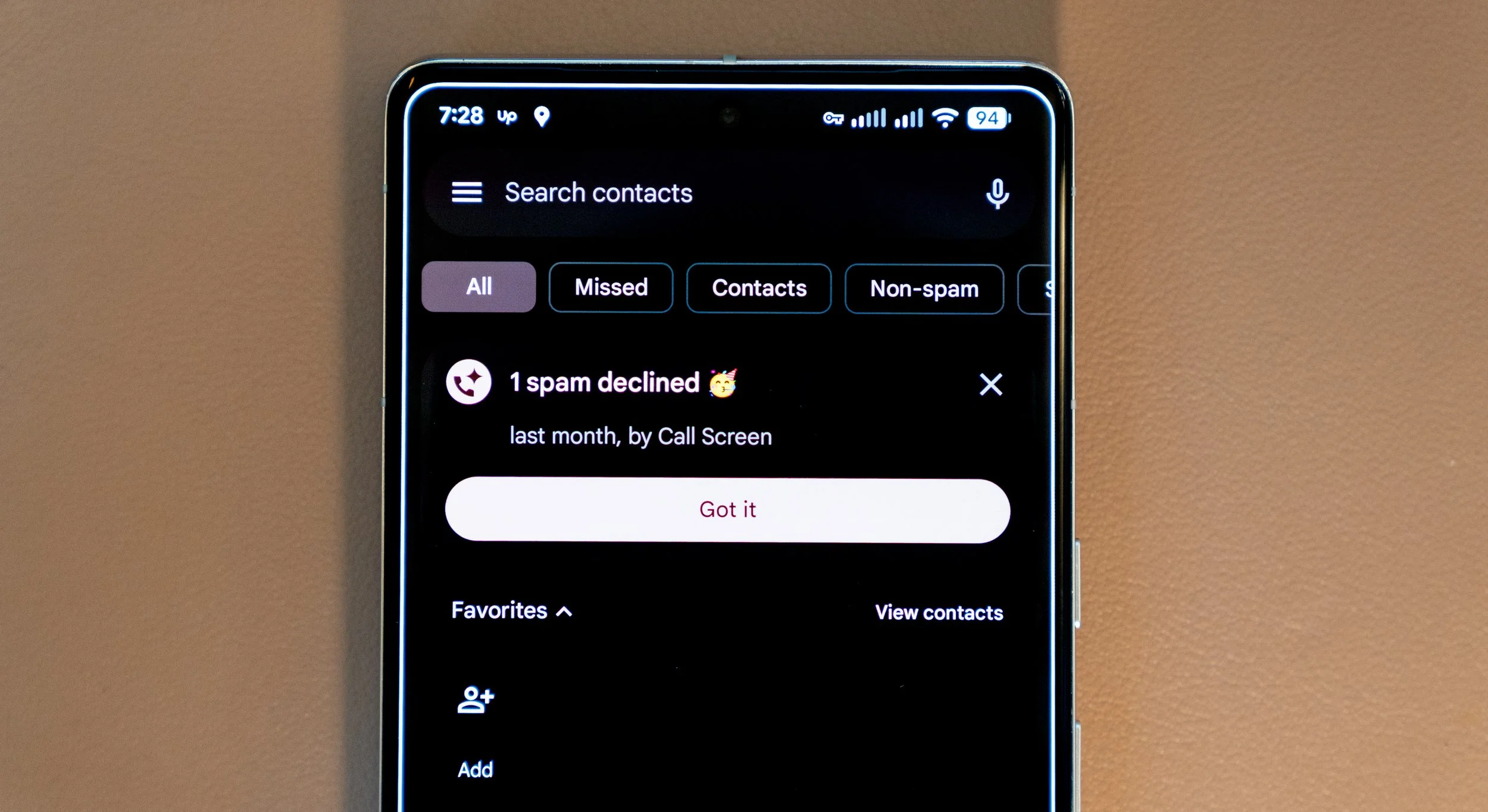
The feature I wanted most was Call Screen.
Why Pixel Call Screen is perfect for a business line
Running a photography business means receiving calls from people who are not already in my contacts. Some are potential clients. Some are venues, vendors, or collaborators. Some are robocalls.
Google’s Call Screen feature can ask an unknown caller why they are calling and show a transcript before I decide whether to answer. That makes the Pixel 7 Pro especially useful as a public-facing business phone.
I do not want to ignore every unfamiliar number because a real inquiry could turn into a wedding, proposal, conference, portrait session, or commercial project. I also do not want spam calls interrupting a shoot or workout.
Call Screen gives me a middle ground: the business line remains available without demanding my immediate attention every time it rings.
RCS makes Android business texting much better in 2026
One reason I was comfortable moving the business line to Android is that RCS messaging has made cross-platform communication far better.
RCS can support higher-quality media, typing indicators, read receipts, and more modern group chats when everyone’s carrier and device support the necessary features. It removes much of the old friction associated with traditional SMS and MMS.
For basic client communication—confirming arrival times, sharing instructions, sending reference images, or answering quick questions—the Pixel 7 Pro feels completely modern.
I still miss iMessage, though.
The iMessage and Apple Find My problem
There are moments when my personal iPhone remains the better business tool.
Surprise proposals are the clearest example. I may be hiding on a trail or at a scenic location while waiting for a couple I have never met in person. Timing and location accuracy matter because I cannot simply call the client and reveal the surprise.
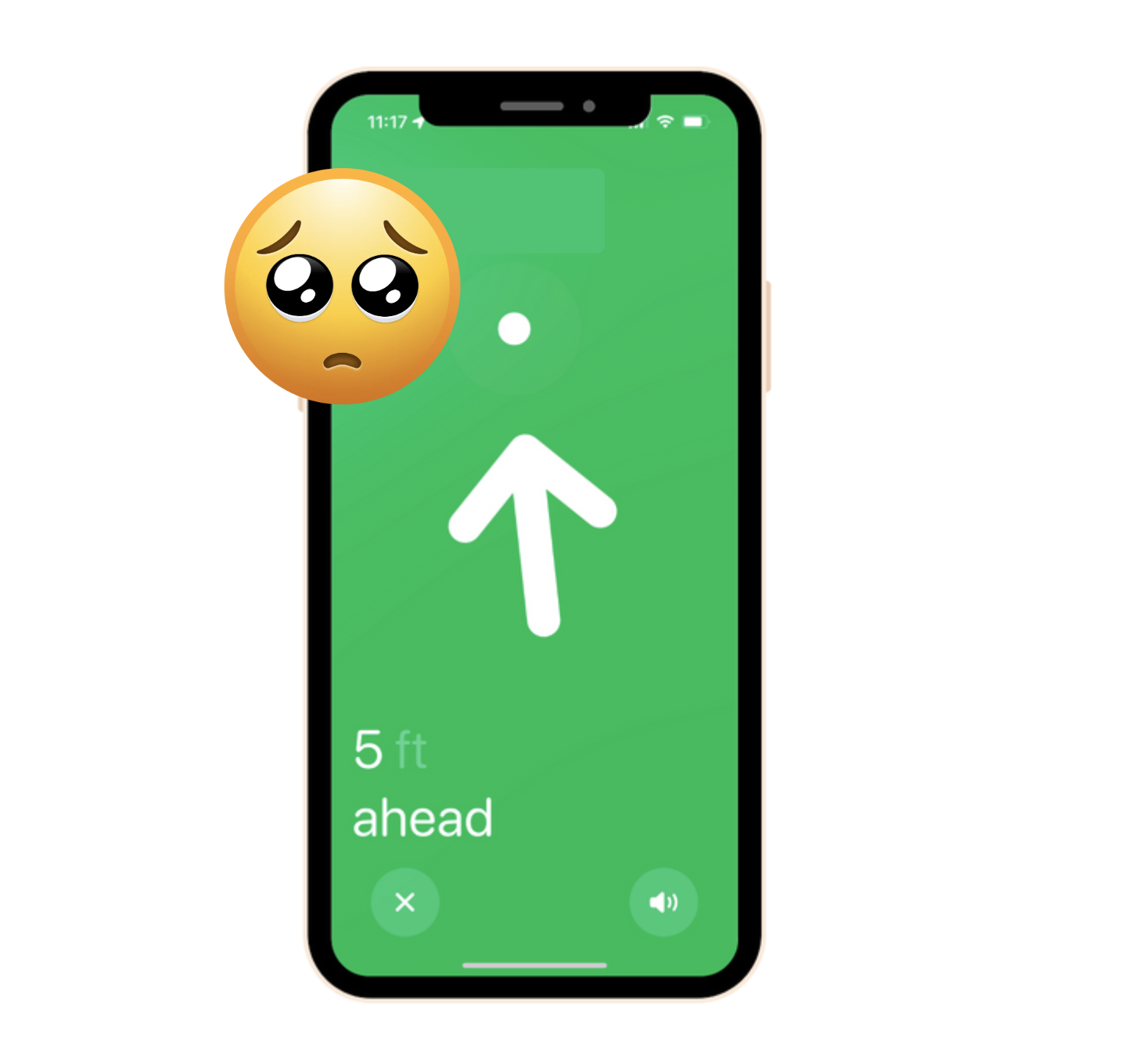
When a client shares their location through Apple Find My, my iPhone is still the device I trust most for following them. It works especially well when everyone involved is already inside Apple’s ecosystem.
Moving my business number to the Pixel means I need to plan around that. For proposal shoots, I can give the client my personal Apple contact for Find My location sharing while keeping normal booking and business communication on the Pixel.
It is not as seamless as having everything on one iPhone, but it is a manageable tradeoff—and far better than allowing work to occupy my personal phone every hour of the day.
My carrier setup: AT&T on iPhone, Tello on Pixel
My personal line stays with AT&T because, in my experience, AT&T has been the most dependable option around San Francisco for the places I regularly work.
The Pixel 7 Pro runs my Tello business line. Tello uses a nationwide 5G network, and the T-Mobile-based coverage and speeds have worked well for my second-line needs.
As of July 2026, Tello advertises a $15 monthly plan with 10GB of data plus unlimited talk and text. By comparison, US Mobile’s Light Plan currently includes 2GB of data and unlimited talk and text for $8 per month.
The US Mobile option costs less, but the Tello plan gives me substantially more included data. For a business phone that may need navigation, photo transfers, client messages, hotspot access, and cloud apps away from Wi-Fi, that extra data is useful.
Carrier prices and plan details can change, so always verify the current offers directly:
Tello plans: https://tello.com/buy/custom_plans
US Mobile plans: https://www.usmobile.com/plans
Why not keep both lines on the iPhone 17 Pro?
The short answer is focus.
Dual SIM solved the phone-number problem, but it did not solve the notification problem, battery problem, or boundary problem.
Separating the devices lets me make intentional choices:
• Carry both phones when I am actively working
• Take only the Pixel when I need to remain available to clients
• Take only the iPhone when I am spending personal time with friends or family
• Leave the Pixel at home or in a locker during workouts
• Bring the Pixel on a dog walk without carrying my entire personal digital life
• Put the business phone away at the end of the workday
The most valuable feature is not inside the Pixel’s settings. It is the ability to leave the device behind.
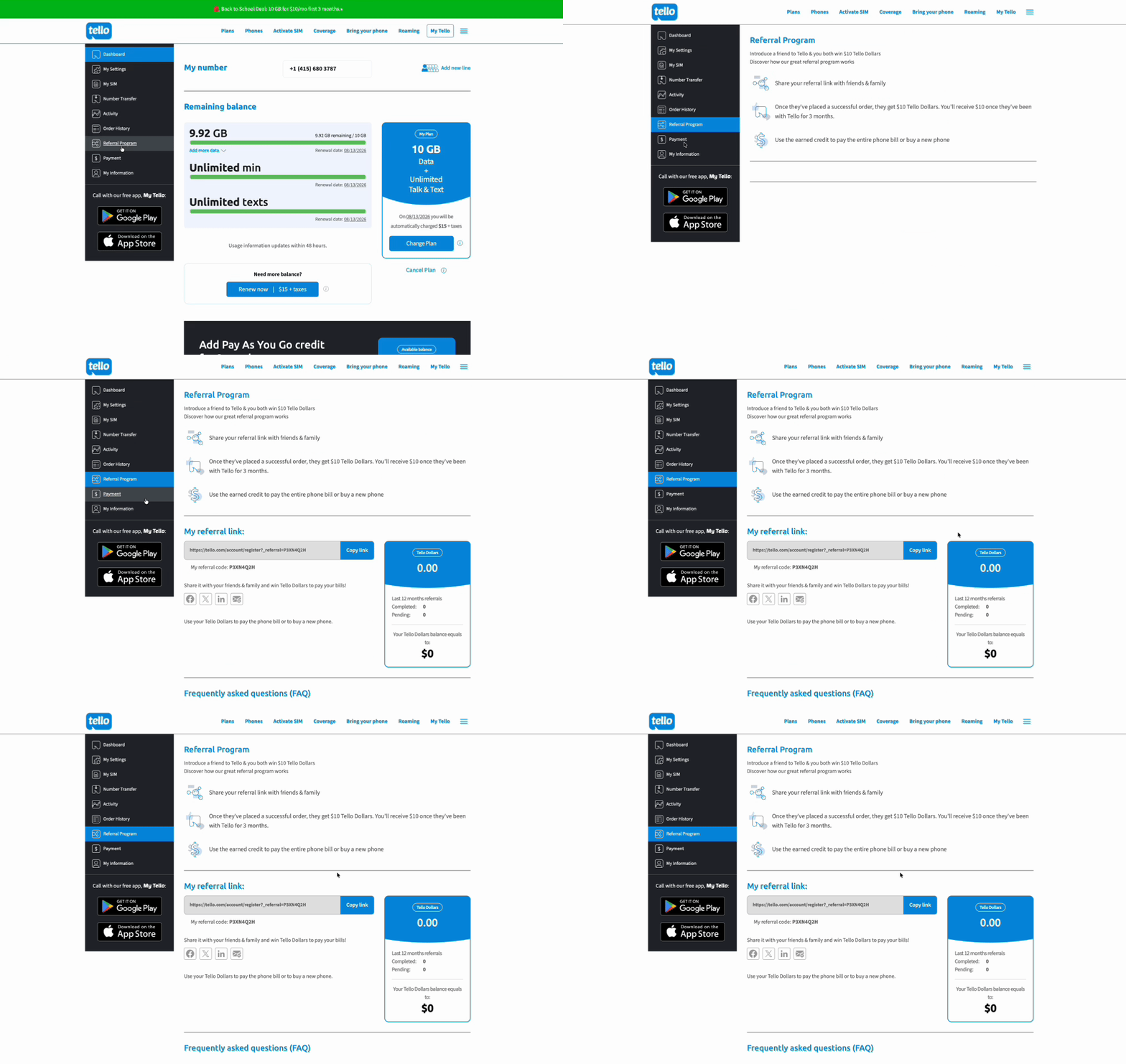
Referral Code: P3XN4Q2H for $10 off your subscription!
Pixel 7 Pro specifications that still hold up in 2026
The Pixel 7 Pro launched in 2022, but its core hardware remains surprisingly capable for a $150 used business phone.
Important specifications include:
• 6.7-inch QHD+ LTPO OLED display
• Smooth Display refresh rate up to 120Hz
• Google Tensor G2 processor
• 12GB of LPDDR5 RAM
• 128GB, 256GB, or 512GB storage options
• Typical 5,000mAh battery
• 50-megapixel main camera
• 48-megapixel telephoto camera with 5x optical zoom
• 12-megapixel ultrawide camera
• 10.8-megapixel front camera
• IP68 dust and water resistance when originally manufactured
• Wi-Fi 6E, Bluetooth 5.2, NFC, and 5G support
• Dual SIM support through one physical nano-SIM and eSIM
• Qi wireless charging and Battery Share
Google’s official Pixel hardware specifications are available here: https://g.co/pixel/specs
These are not cutting-edge 2026 specifications, but they are far beyond what I need for calls, RCS messages, scheduling, client management, navigation, business apps, ChatGPT, and occasional content capture.
The 6.7-inch 120Hz display is excellent for business tasks
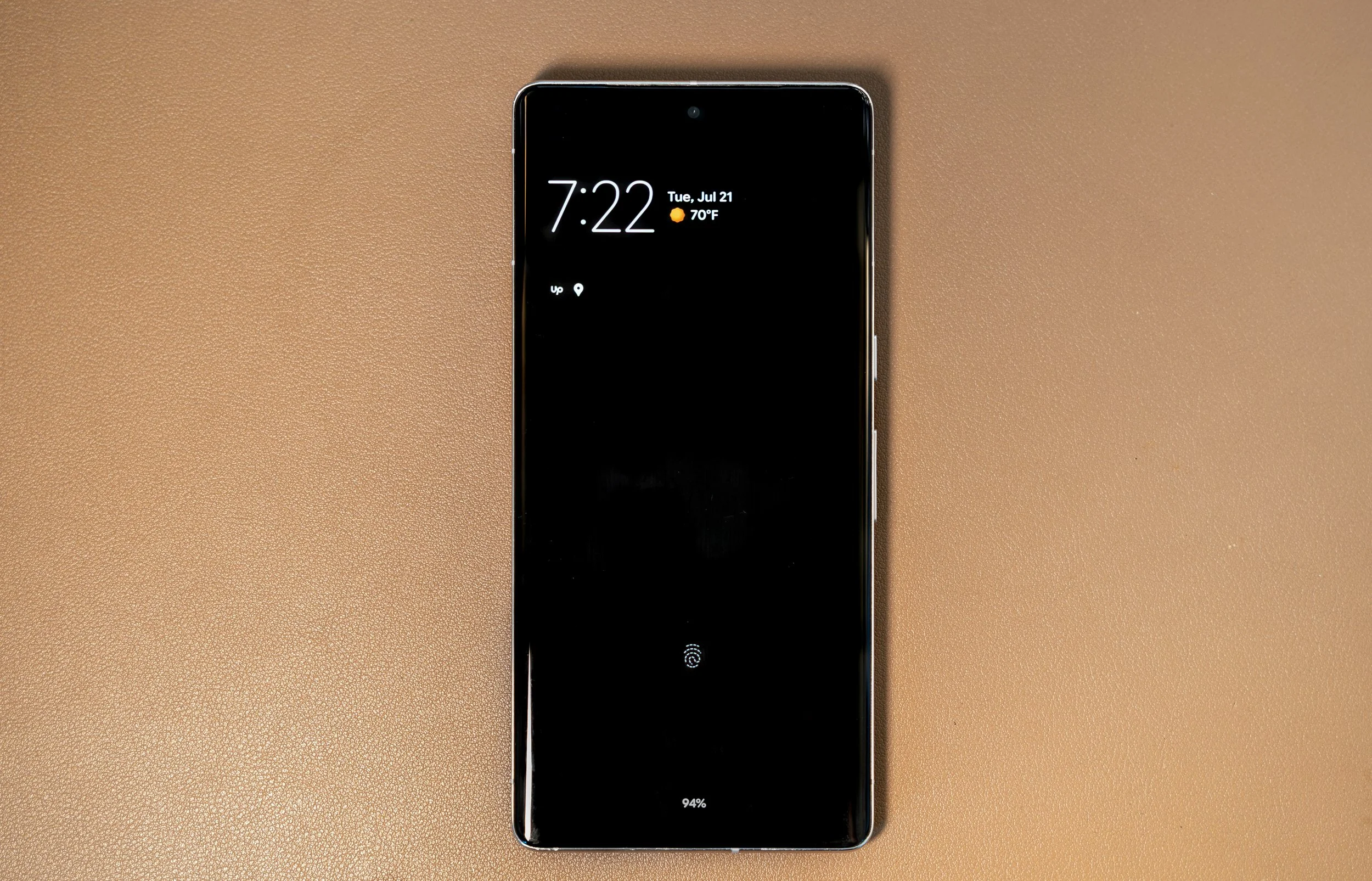
A large phone is not always convenient, but the Pixel 7 Pro’s 6.7-inch QHD+ display makes sense for work.
Emails are easier to review. Squarespace pages are easier to inspect. Contracts, invoices, messages, maps, galleries, and scheduling apps have room to breathe. The LTPO OLED panel can refresh at up to 120Hz, so scrolling and navigation still feel fast years after the phone launched.
For a device I bought for $150, the screen alone makes the Pixel feel like an absurdly good deal.
Tensor G2 and 12GB of RAM are enough for real work
The Tensor G2 processor is not the newest or most efficient Pixel chip in 2026. It can run warm under heavier workloads, and newer phones are faster.
But a business phone does not need to win benchmark charts.
With 12GB of RAM, the Pixel 7 Pro can comfortably move between Gmail, Google Calendar, Messages, Chrome, ChatGPT, Square, Squarespace, Upwork, Airbnb, Google Drive, and client-management tools.
I can use ChatGPT to organize ideas or draft a response while taking a call on my personal iPhone. I can review an inquiry on the Pixel without interrupting whatever I am doing on the iPhone. The second screen and separate cellular connection create practical multitasking that dual SIM alone cannot provide.
A 5,000mAh battery—and Battery Share
The Pixel 7 Pro includes a typical 5,000mAh battery. Battery health varies significantly on any used phone, so the real result depends on its age and charging history. My Facebook Marketplace unit has still been more than sufficient for dedicated business use during these first two weeks.
Because the Pixel is no longer managing my entire personal life, I am not constantly draining it with personal photos, videos, entertainment, and two different communication worlds.
Battery Share is a fun bonus. The Pixel can reverse-wirelessly charge compatible Qi devices, allowing it to act like a small emergency wireless battery pack for earbuds or another compatible accessory. Google notes that reverse wireless charging uses a meaningful amount of the Pixel’s own battery, so I see it as an emergency feature rather than a daily charging strategy.
Is the Pixel 7 Pro camera still good in 2026?
Absolutely—especially for business documentation.
The phone has a 50-megapixel main camera, a 12-megapixel ultrawide camera, and a 48-megapixel 5x telephoto camera. Google’s computational photography still produces excellent HDR, useful Night Sight results, strong portrait processing, and flexible zoom.
It will not replace my Sony A7C, Sony ZV-E10, DJI Pocket 3, or professional lenses. That is not its role.
It is useful for:
• Behind-the-scenes photos
• Location scouting
• Setup documentation
• Quick social media images
• Reference photos for clients
• Venue details
• Equipment serial numbers and receipts
• Fast snapshots while the professional cameras are packed
The telephoto lens is particularly useful when I need to document something from a distance without walking across a room or interrupting an event.
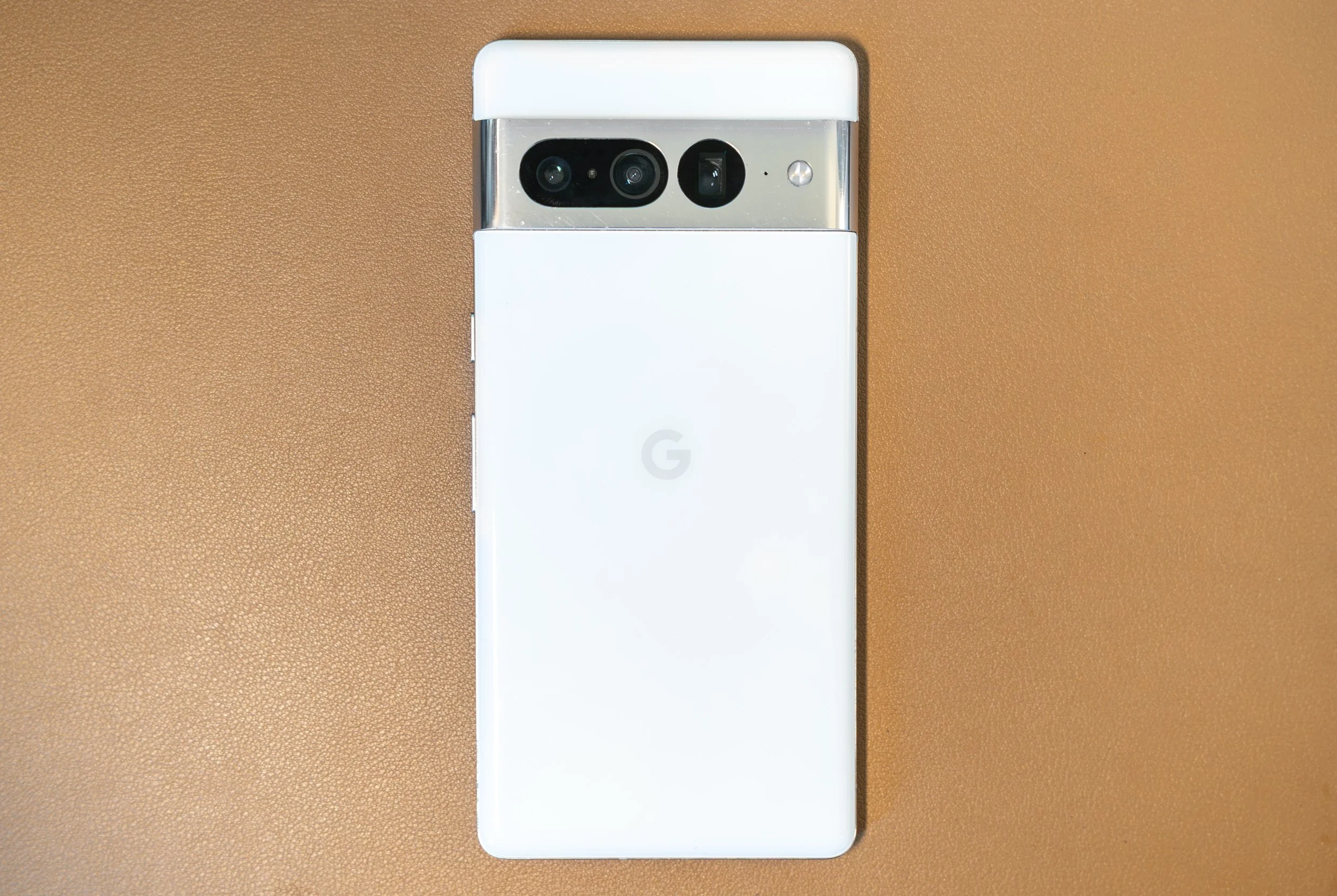
A $150 Facebook Marketplace deal
The value equation changes completely at $150.
Google’s original retail price for the Pixel 7 Pro started at $899. Even Google’s Certified Refurbished store listed the model at several hundred dollars when I checked. Finding a functional local unit for $150 felt like a steal, especially in the Bay Area, and especially when Pixel Farming is now a thing.
Buying used always requires caution. Before purchasing, I recommend checking:
• The IMEI to make sure the phone is not reported lost / blocked
• Whether the device is carrier-unlocked
• Screen condition, burn-in, and touch responsiveness
• Cameras / USB C / Speakers / Sensors
• Cellular, Wi-Fi, Bluetooth, and GPS
• Battery behavior
• Factory Reset Protection status
• Whether the seller removes their Google account before the reset
A cheap phone is not a bargain if it cannot activate or has hidden damage. My local purchase worked out, and that makes the value almost impossible to argue with.
How the Pixel helps me protect my attention
This has been the most important change.
When the Pixel is with me, I know I am carrying the business. When it is at home, in a locker, or on a charger in another room, I am allowed to be somewhere else mentally.
I can walk my dog without seeing every client email.
I can work out without watching an Upwork notification arrive.
I can spend time with friends or family without Square, Squarespace, Airbnb, and business texts competing for attention.
That separation does not mean I care less about clients. It helps me give them better attention during actual working hours instead of remaining partially available every minute of the day.
What I like after two weeks
• Call Screen makes unknown business calls less disruptive
• Clean Google software feels focused and easy to navigate
• RCS makes everyday client texting much better than old SMS
• The large, sharp 120Hz screen is excellent for work apps
• 12GB of RAM keeps multitasking comfortable
• The 5,000mAh battery suits a dedicated business device
• Battery Share can help in an emergency
• The camera system is excellent for scouting and documentation
• A separate physical phone creates genuine work-life boundaries
• $150 was an incredible value
What I still miss from the iPhone
• iMessage continuity with Apple-based clients
• Apple Find My for coordinating surprise proposals
• The convenience of carrying only one device
• The deeper connection between my personal phone, Mac, and other Apple devices
I am not replacing the iPhone 17 Pro. I am narrowing its job back toward my personal life and the Apple-specific tasks that genuinely help my photography business.
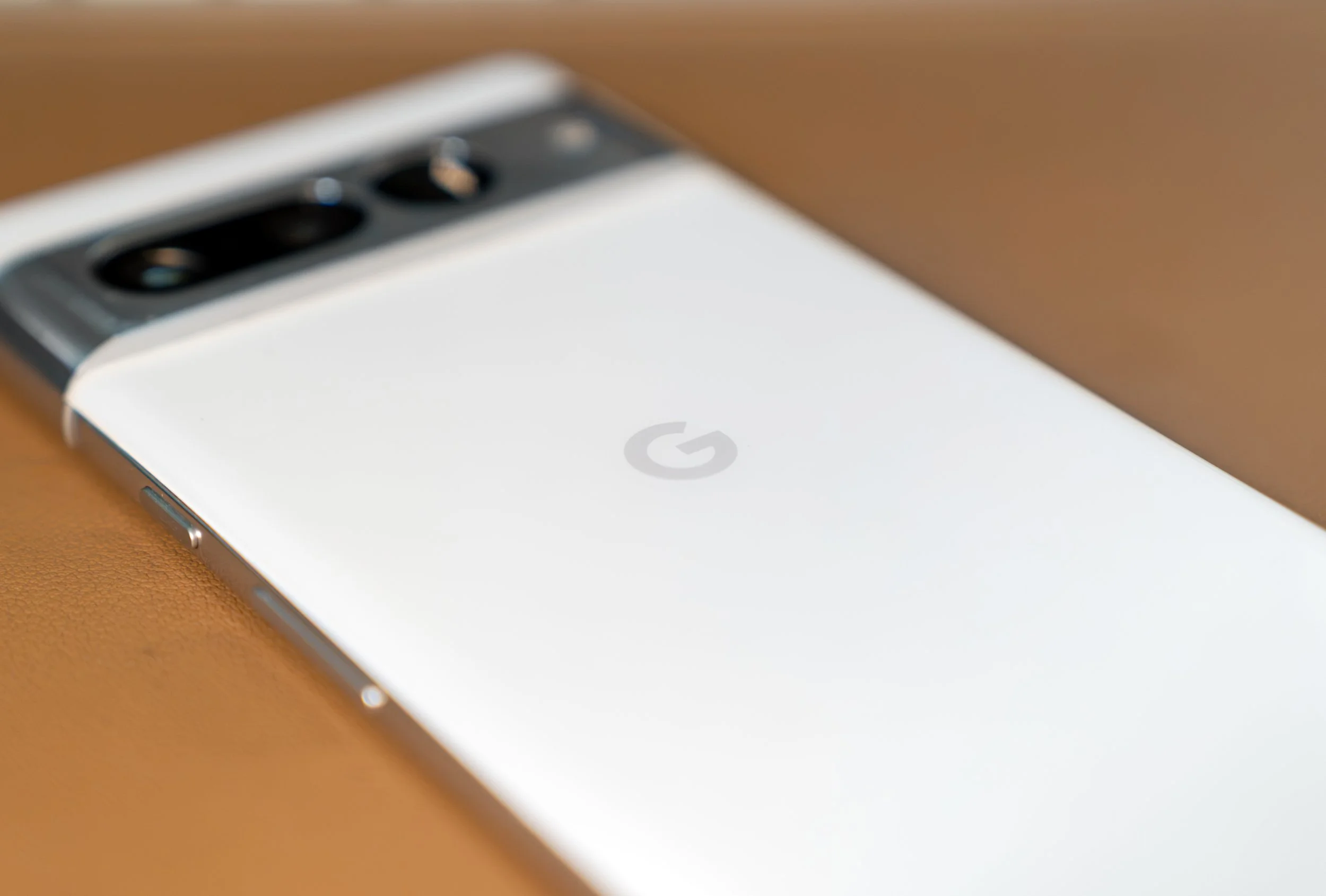
Is the Google Pixel 7 Pro worth buying in 2026?
For the right price and purpose, yes.
I would not recommend paying near-new-phone pricing for a 2022 device. Battery condition, software-support timelines, heat, and the history of a used unit all matter.
But around the $150 I paid, the Pixel 7 Pro is an extraordinary second phone. It offers a flagship display, capable cameras, 12GB of RAM, a large battery, useful Google calling features, RCS, and a clean interface for less than many basic budget phones.
It is especially compelling for a photographer, freelancer, or small-business owner who wants:
• A dedicated business number
• Better screening for unknown calls
• Physical separation between work and personal life
• An affordable device for business apps and AI tools
• A backup camera and navigation device
• A second phone that can be left behind when the workday ends
My early verdict
After two weeks, I am very happy with the Pixel 7 Pro.
The biggest benefit is not the camera, display, battery, or even the $150 price. It is the control the second phone gives me over my time and attention.
My iPhone 17 Pro was capable of doing everything, but that became the problem. The Pixel lets my business have a powerful, dedicated device without forcing every client message and app notification into the same place as my friends, family, photos, and personal life.
For a photography business in 2026, this older flagship may be exactly the right kind of upgrade: inexpensive, capable, and focused.
Looking for a Bay Area photographer?I photograph proposals, portraits, corporate events, conferences, and commercial projects throughout San Francisco, the Peninsula, Sonoma County, and the greater Bay Area.Book Pete Muniz Photography: https://www.petemuniz.com/book-now