
We Finally Hit 2TB in 2025: Why I Added the SanDisk Professional G-DRIVE 5TB for Backup
Hitting a storage limit is one of those moments every photographer and content creator eventually faces.
For me, that moment arrived in 2025, when my main 2TB drive officially filled up. Years of RAW photos, real estate shoots, portraits, weddings, street photography, YouTube footage, and client projects finally caught up with me.
As someone who shoots both photography and video, I don’t like deleting old work. Past projects matter — creatively, professionally, and historically. But keeping everything on fast SSDs isn’t realistic, and cloud storage is absolutely not the solution for me.
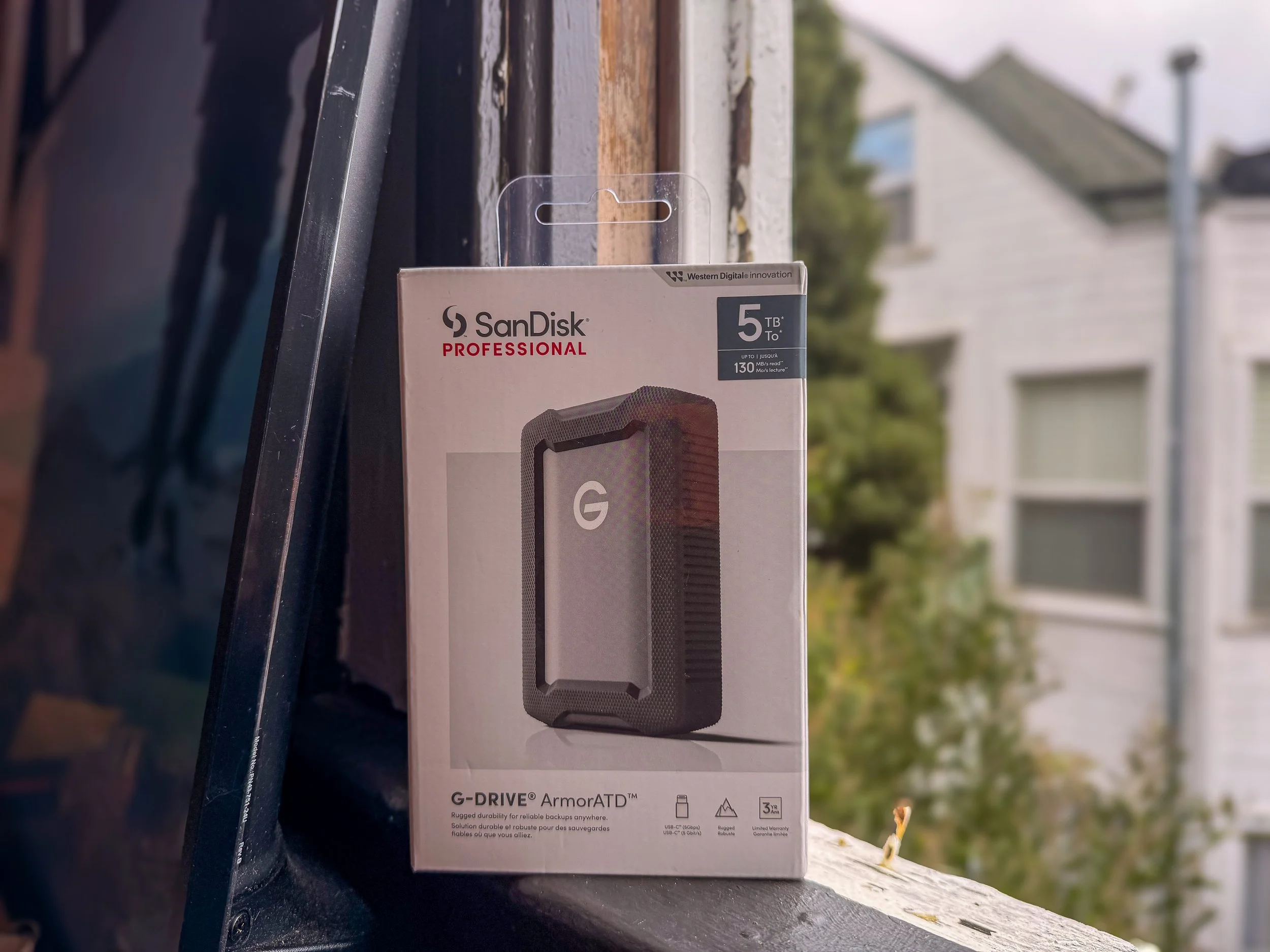
So instead of panicking or overspending, I decided to offload my archive properly and start the year fresh with the SanDisk Professional G-DRIVE 5TB HDD.
Why Creators Hit Storage Limits Faster Than Ever
Modern cameras are incredible — and ruthless on storage.
Between:
High-resolution RAW photo files
Lightroom catalogs and previews
Photoshop scratch disks
4K video clips
Client exports and backups
Even a 2TB drive fills up faster than you’d expect, especially if you’re consistently creating.
I already rely on SSDs for active editing, but once I hit that 2TB wall, it became clear that not every file needs ultra-fast access — some files just need to be safe.
Why Cloud Storage Is NOT the Answer (At Least for Me)
Cloud storage sounds great on paper… until you’re a working photographer.
The problems?
Monthly fees that never stop
Uploading terabytes takes forever
Internet-dependent access
No true physical control over your data
When you’re dealing with years of client work and personal projects, local, physical storage still wins.
I want my files:
Offline
Accessible anytime
Not tied to a subscription
Backed up securely
That’s where an external HDD still makes a lot of sense.
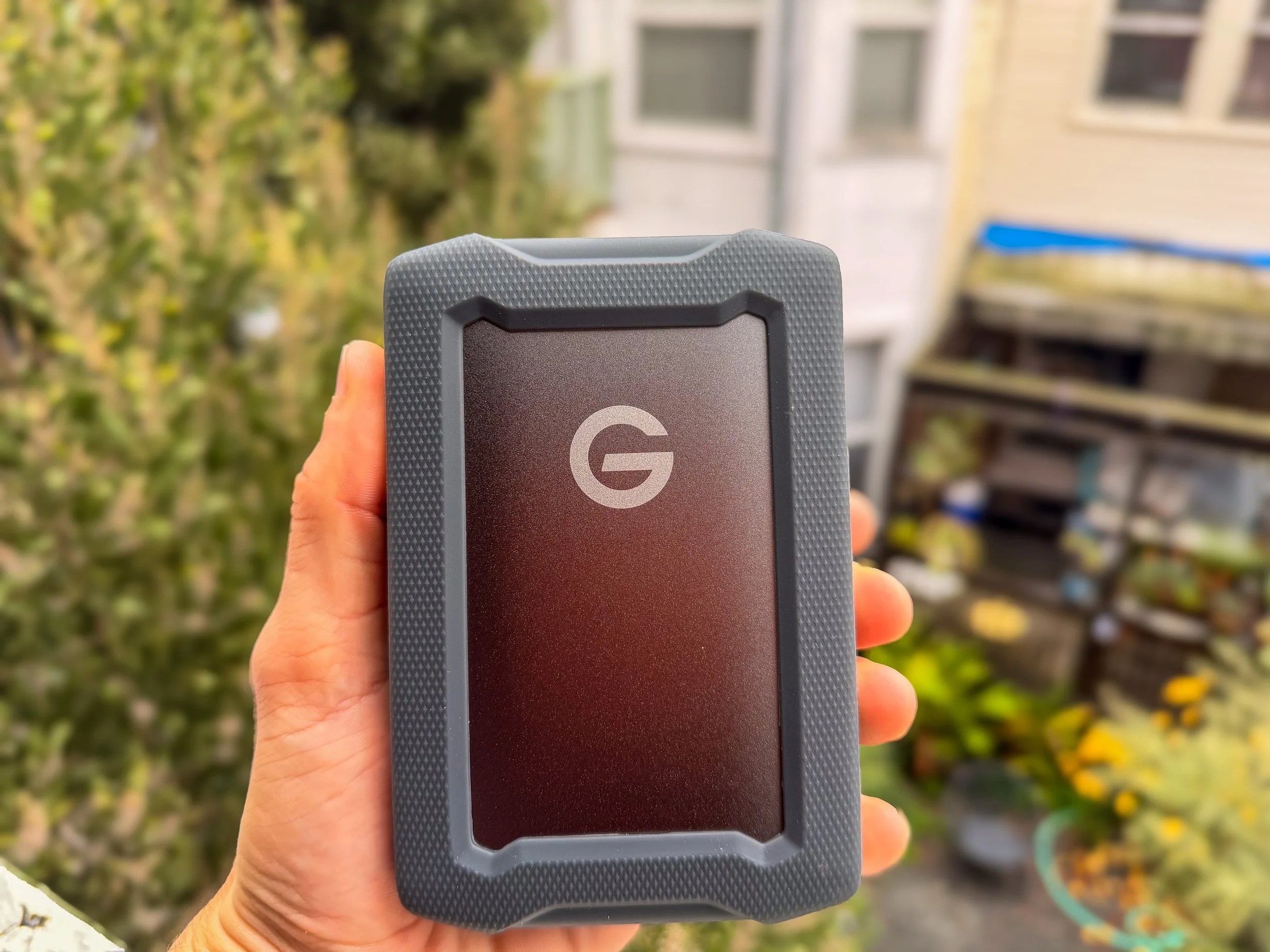
Very clean, very minimal
Why I Chose the SanDisk Professional G-DRIVE 5TB
After researching multiple options, I landed on the SanDisk Professional G-DRIVE 5TB as my dedicated archive and backup drive.
🔗 Official product page:
https://www.westerndigital.com/products/external-drives/sandisk-professional-g-drive-usb-c-hdd
This drive is now home to:
Completed client galleries
Older RAW photo folders
Finished video projects
Long-term backups of delivered work
After just a few days of use, one thing became very clear:
👉 This is a huge budget saver.
You get:
Massive 5TB capacity
Reliable HDD performance (mostly)
USB-C connectivity (perfect for modern Macs)
A clean, professional desk-friendly design
For files I don’t access daily, speed isn’t the priority — security and space are.
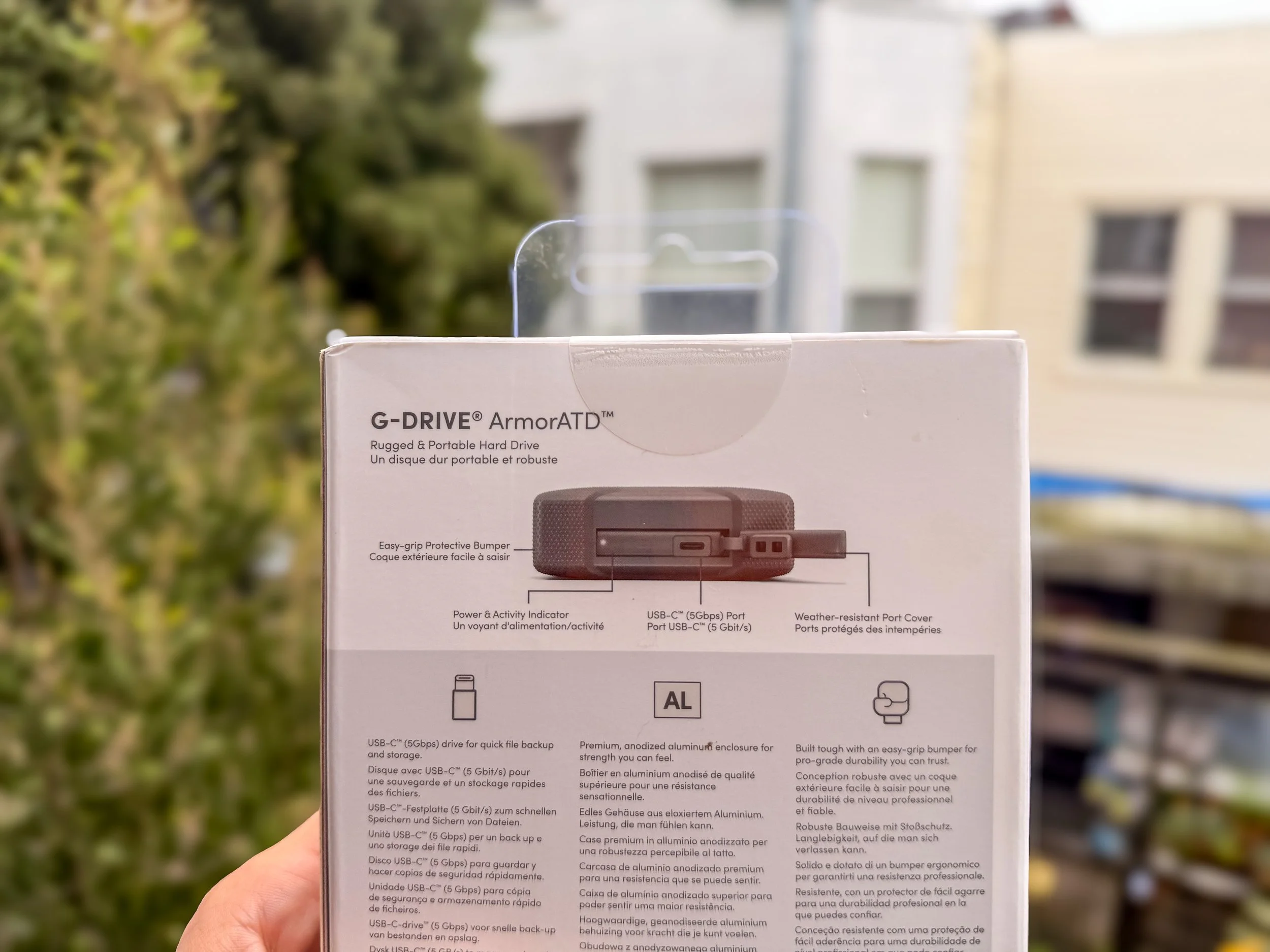
Appreciate the rugged design
SSD vs HDD in 2025: Why a Hybrid Workflow Just Works
There’s a lot of “HDDs are dead” talk online — but for photographers and video creators, that’s not entirely true.
Where SSDs Are Essential
Lightroom & Photoshop editing
Video timelines and exports
On-the-go work and travel
Active client projects
Where HDDs Still Win
Long-term photo storage
Archived client work
Backup redundancy
Much lower cost per terabyte
My current setup uses both, and it’s the most balanced workflow I’ve had.
SSDs for speed.
HDDs for safety.
The Modular SSD System I’d Love to Upgrade To (Eventually)
If money were no object, I’d already be using SanDisk’s PRO-BLADE modular SSD ecosystem — the system that lets you swap ultra-fast SSD “blades” in and out of a dock.
🔗 PRO-BLADE overview:
https://www.westerndigital.com/products/external-drives/sandisk-professional-pro-blade-transport
It’s sleek.
It’s insanely fast.
It’s expandable.
It’s also nearly $500 for 5TB, which is hard to justify when most of that space would be used for archived work.
For high-end video editors moving massive files daily, PRO-BLADE makes sense.
For my needs right now, the G-DRIVE gives me exactly what I need at a fraction of the cost.
Why This Upgrade Felt Like a Fresh Creative Reset
There’s something incredibly freeing about offloading years of work.
Once I moved my archive to the G-DRIVE:
My SSD felt brand new again
Lightroom ran smoother
My file system became far more organized
I stopped stressing about storage
As a photographer and content creator, less digital clutter = more creative clarity.
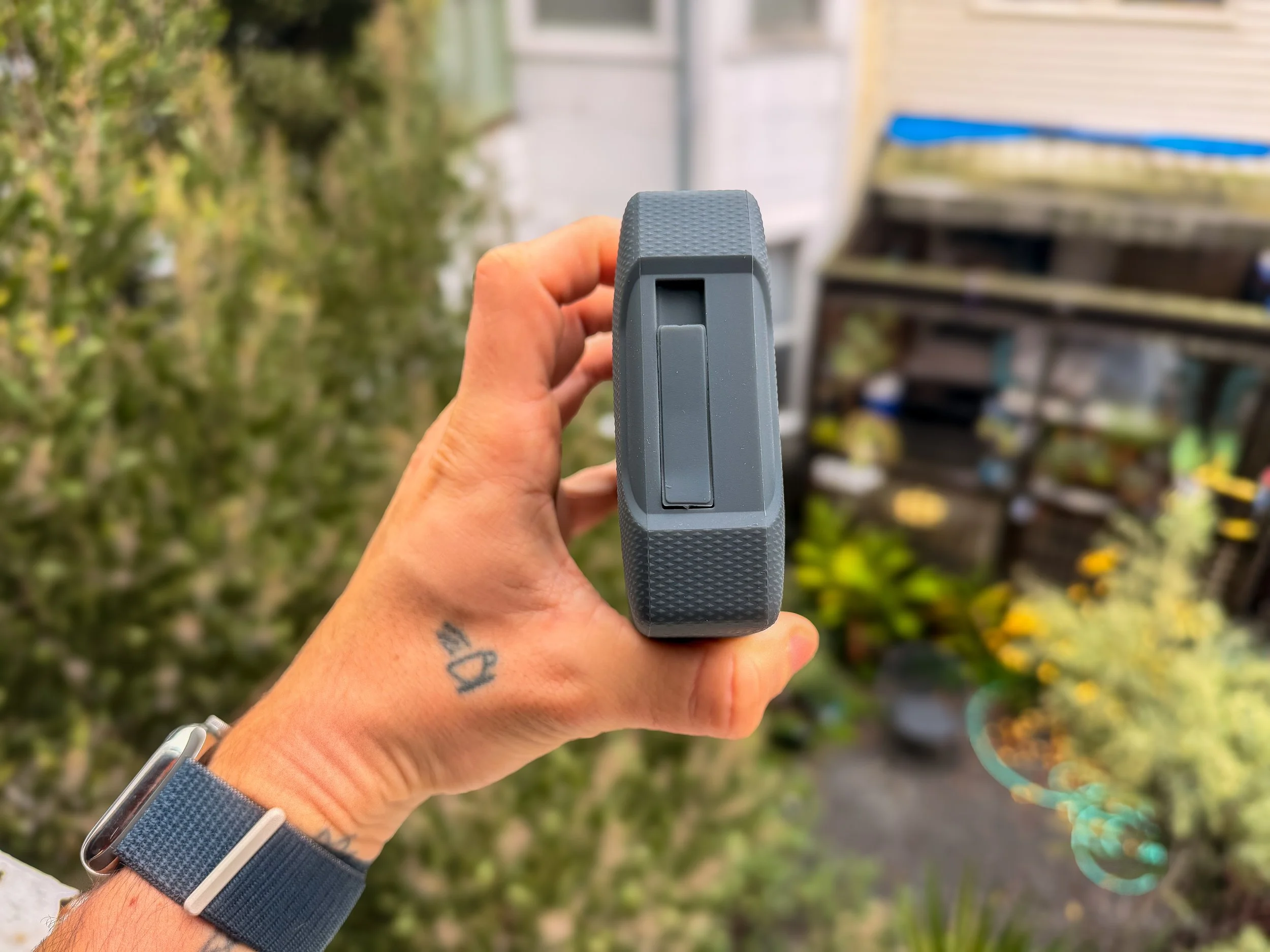
USB C under the cover
Who the SanDisk G-DRIVE Is Perfect For
This drive makes sense if you’re:
A photographer approaching 1–2TB of files
A content creator shooting both photo and video
A freelancer who wants to save money
Someone who wants local, secure storage (not cloud), could also take forever to upload btw
You don’t always need the fastest gear — you need the right gear for the job.
Final Thoughts: Budget-Smart Storage Still Wins in 2025
Storage isn’t glamorous.
Backups aren’t exciting.
But losing your work is devastating.
The SanDisk Professional G-DRIVE 5TB has already proven itself as:
A reliable archive solution
A cost-effective upgrade
A clean reset for the new year
And for now, that’s exactly what my workflow needed.